Sample Blog Post: Getting Started with Markdown
Welcome to Your New Blog!
This is a sample blog post to demonstrate how content appears in this template. Markdown blog posts are stored in the _posts directory and follow the naming convention of YYYY-MM-DD-title.md.
Markdown Features
Markdown is a lightweight markup language that you can use to add formatting elements to plaintext text documents. Created in 2004, Markdown is now one of the world’s most popular markup languages.
Headings
You can create headings using hash symbols:
# Heading 1
## Heading 2
### Heading 3
Text Formatting
You can easily format text as bold or italic:
**bold text**
*italicized text*
Lists
Ordered lists:
- First item
- Second item
- Third item
Unordered lists:
- First item
- Second item
- Third item
Links
You can create links like this:
[link text](URL)
Images
Adding images is simple:
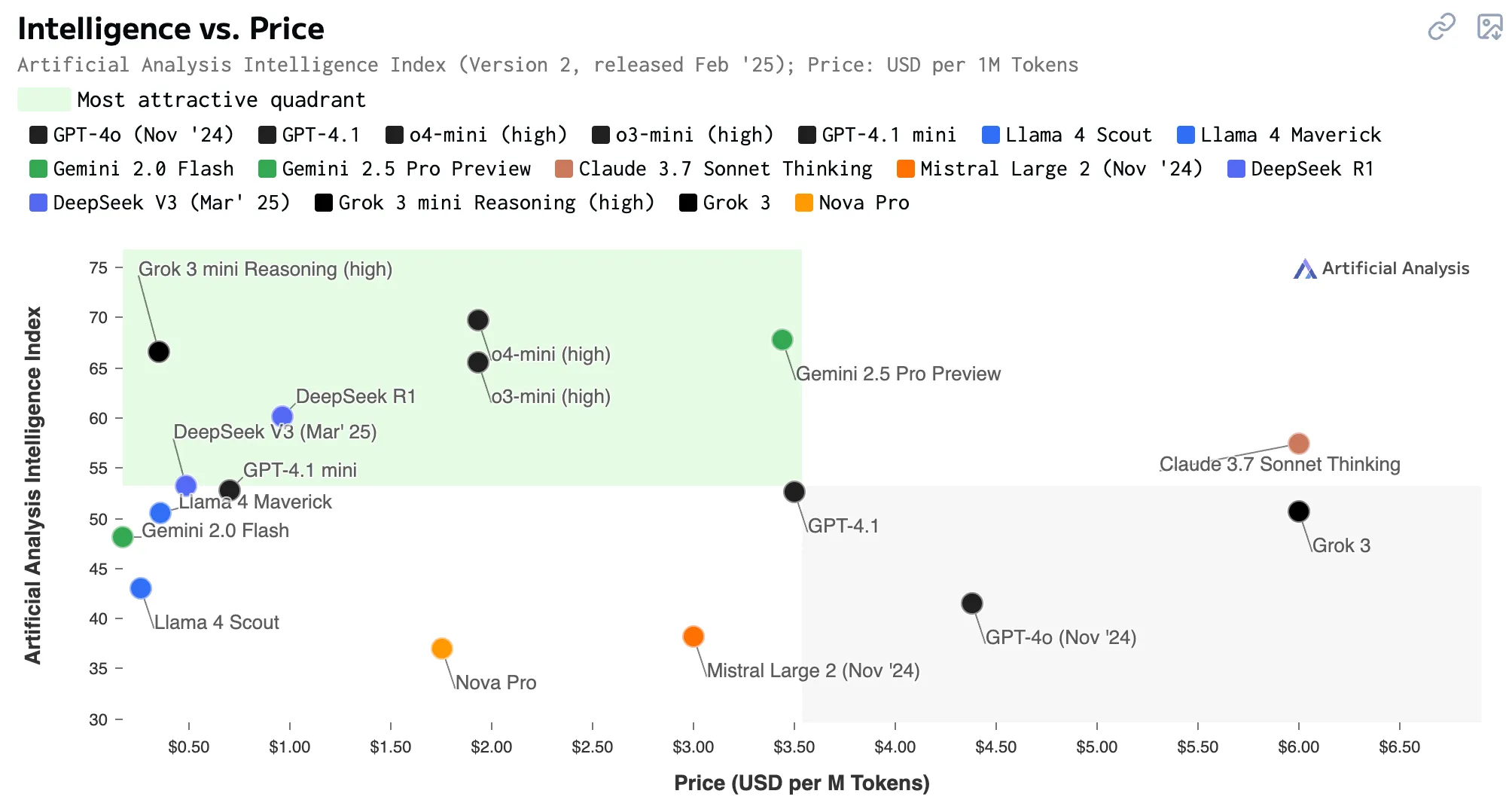
The syntax is:

Code
You can highlight code with backticks:
function helloWorld() {
  console.log("Hello, world!");
}
Next Steps
To continue customizing your blog:
- Edit the templates in the
_layoutsdirectory - Modify the styles in the
cssdirectory - Create new posts in the
_postsdirectory
Happy blogging!